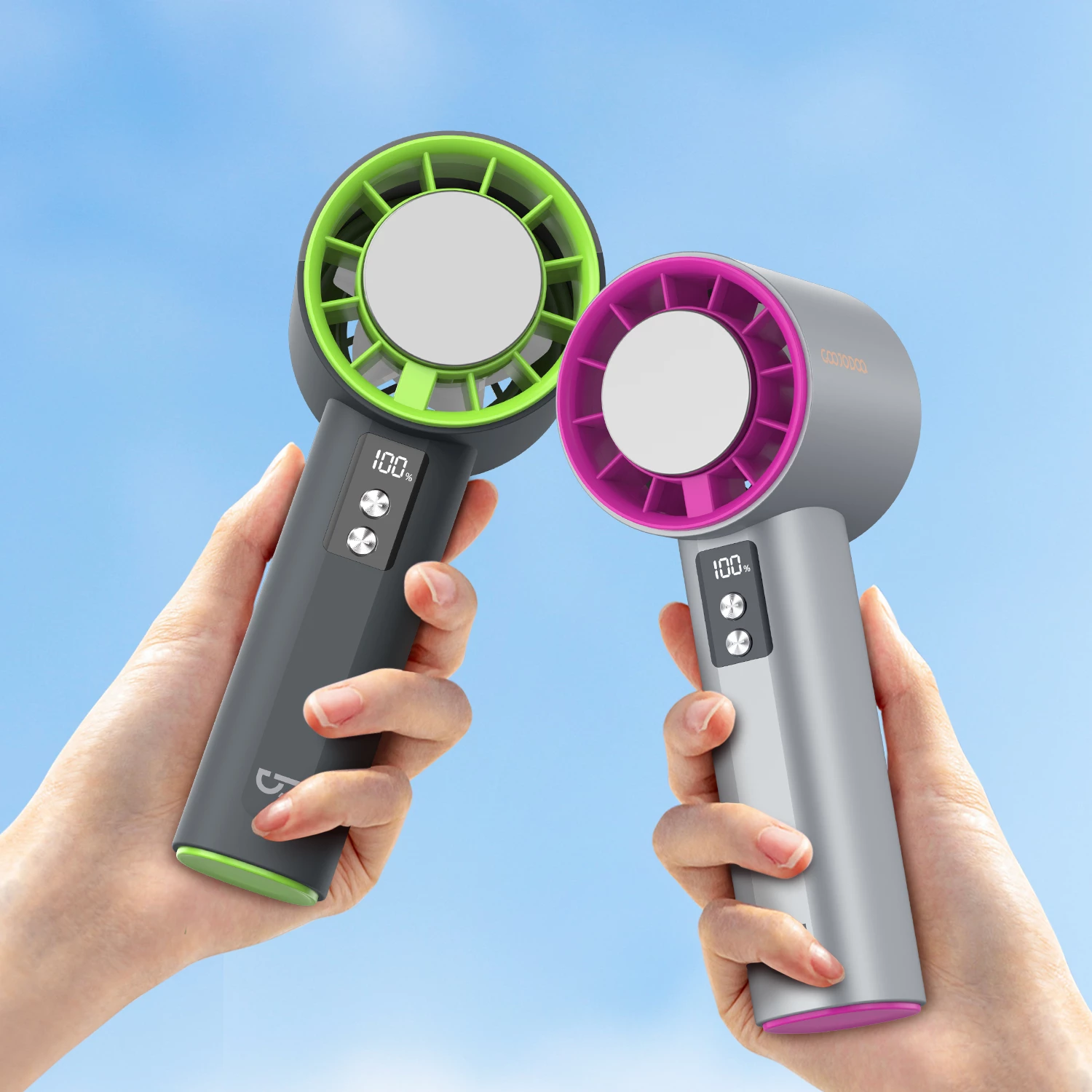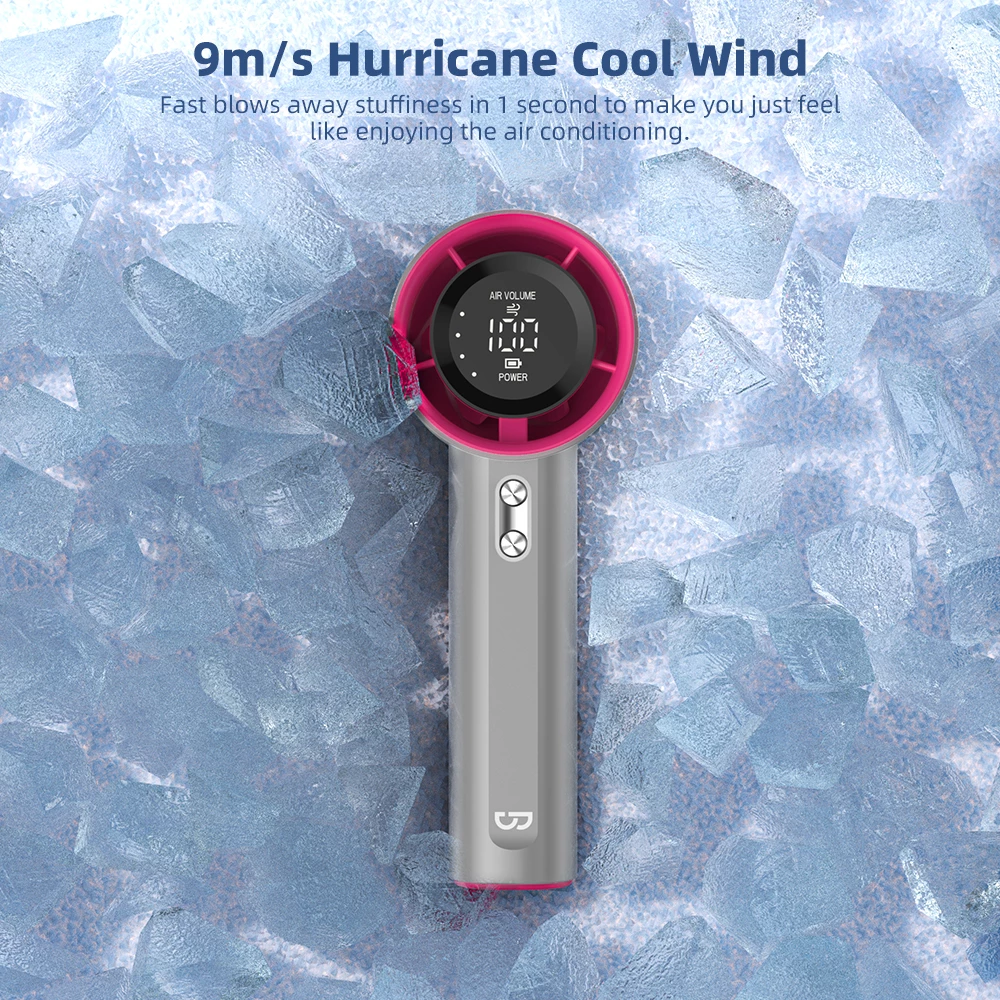






Portable fans have become essential cooling companions for Filipino households, especially during the hot and humid months. While these compact devices offer convenient personal cooling, using them safely is crucial for protecting your family and maximizing their lifespan. This comprehensive safety guide covers everything you need to know about proper portable fan usage, battery safety, child protection, and maintenance best practices for 2026.
Whether you’re using your GOOJODOQ portable fan at home, in the office, during commutes, or outdoor activities, following these safety guidelines ensures you stay cool without compromising safety. Let’s explore the essential safety practices every portable fan owner should know.
Chapter 1: Understanding Portable Fan Safety Basics
Before diving into specific safety tips, it’s important to understand the fundamental safety principles that apply to all portable fans. These battery-powered devices, while generally safe, require proper handling to prevent accidents and ensure optimal performance.
Key Safety Components
Modern portable fans like GOOJODOQ models incorporate multiple safety features:
- Protective grille: Prevents fingers and objects from contacting the spinning blades
- Battery management system (BMS): Monitors charging and prevents overcharging
- Motor protection: Thermal cutoff prevents overheating
- Stable base design: Reduces tipping risk on flat surfaces
- Quality materials: Fire-resistant plastics and safe battery chemistry
Understanding these built-in safety features helps you use your portable fan correctly and recognize when something might not be working properly.
Chapter 2: Battery Safety – The Most Critical Aspect
Battery safety is arguably the most important aspect of portable fan usage. Lithium-ion batteries, while efficient and long-lasting, require proper care to prevent potential hazards.
Charging Safety Guidelines
Follow these essential charging practices to ensure battery safety:
- Use the original charger: Always use the charger provided with your GOOJODOQ fan or a certified replacement with matching specifications
- Avoid overnight charging: While modern fans have overcharge protection, it’s best to unplug once fully charged
- Charge on non-flammable surfaces: Place the fan on ceramic, metal, or glass surfaces while charging, never on beds, sofas, or carpets
- Monitor charging temperature: The fan should feel slightly warm during charging, but never hot to touch
- Don’t charge damaged batteries: If the battery compartment shows signs of damage, swelling, or leakage, stop using immediately
Battery Storage Best Practices
Proper storage extends battery life and maintains safety:
- Store in cool, dry places away from direct sunlight
- Avoid extreme temperatures (below 0°C or above 45°C)
- If storing long-term, maintain 50-70% charge level
- Check and recharge every 2-3 months during storage
- Keep away from metal objects that could cause short circuits
Recognizing Battery Warning Signs
Be alert to these warning signs that indicate potential battery issues:
| Warning Sign | What It Means | Action Required |
|---|---|---|
| Excessive heat during charging | Possible battery degradation or charger mismatch | Stop charging, let cool, use original charger |
| Swollen battery compartment | Battery swelling – serious safety hazard | Stop using immediately, contact support |
| Unusual smell during operation | Electrical component overheating | Turn off, unplug, inspect for damage |
| Rapid battery drain | Battery degradation or motor issues | Monitor closely, consider replacement |
| Inconsistent charging | Charging port or battery issues | Clean port, try different cable, contact support |
Chapter 3: Child Safety Around Portable Fans
Families with children need to take extra precautions when using portable fans. While GOOJODOQ fans feature protective grilles, additional safety measures ensure children stay safe.
Supervision Guidelines
Always follow these child safety practices:
- Never leave young children unsupervised with operating portable fans
- Place fans out of reach of toddlers and curious hands
- Educate older children about not inserting objects into the fan grille
- Use higher speed settings cautiously when children are nearby
- Turn off and unplug when not actively supervised
Safe Placement for Families
Consider these placement strategies for homes with children:
- Place on stable, elevated surfaces where children can’t easily reach
- Avoid placing near crib edges or play areas where children might knock it over
- Use desk or table placement rather than floor placement for young children
- Ensure cords (if charging) are tucked away and not accessible
- Consider using the fan in oscillation mode to reduce direct airflow on children
Teaching Children Fan Safety
Age-appropriate safety education helps children understand proper fan usage:
- Ages 3-5: “Fans are for cooling, not toys. Don’t touch the spinning parts.”
- Ages 6-8: “Always ask an adult before using the fan. Keep fingers away from the grille.”
- Ages 9+: “Learn proper charging safety. Report any unusual sounds or smells immediately.”
Chapter 4: Proper Usage in Different Environments
Different environments require different safety considerations. Understanding these variations helps you use your portable fan safely in any situation.
Home Usage Safety
For safe home usage, follow these guidelines:
- Ensure adequate ventilation in the room
- Keep at least 30cm clearance from walls and furniture for proper airflow
- Avoid using in extremely humid areas like bathrooms
- Don’t block air intake or exhaust vents
- Turn off when leaving the room for extended periods
Office and Workspace Safety
Office environments present unique considerations:
- Position fan to avoid blowing papers or small objects around
- Keep away from computer vents to prevent dust circulation
- Use lower speed settings to minimize noise disturbance
- Ensure stable placement on desk surfaces
- Respect shared workspace cooling needs
Outdoor Usage Precautions
Outdoor use requires special attention to environmental factors:
- Avoid water exposure: Most portable fans are not waterproof. Keep away from pools, beaches, and rain
- Protect from dust and sand: These can damage internal components
- Secure placement: Use stable surfaces or fan clips to prevent falling
- Monitor battery in heat: High ambient temperatures affect battery performance
- Bring indoors when not in use: Don’t leave fans in hot vehicles
For more tips on using portable fans in tropical outdoor conditions, check out our comprehensive guide on Portable Fans for Tropical Climate 2026.
Chapter 5: Maintenance Safety Practices
Regular maintenance not only extends your fan’s lifespan but also ensures safe operation. Follow these maintenance safety practices.
Cleaning Safety
Proper cleaning prevents dust buildup and maintains safe operation:
- Always turn off and unplug before cleaning
- Wait for blades to stop completely before handling
- Use soft, dry cloth for exterior cleaning
- Avoid water near electrical components and charging ports
- Use soft brush to remove dust from grille and blades
- Never immerse the fan in water or use liquid cleaners
Inspection Checklist
Perform monthly safety inspections:
| Component | What to Check | Frequency |
|---|---|---|
| Power cord/cable | Fraying, cuts, exposed wires | Monthly |
| Charging port | Debris, damage, loose connection | Monthly |
| Grille | Cracks, loose parts, damage | Monthly |
| Blades | Dust buildup, damage, imbalance | Monthly |
| Battery compartment | Swelling, leakage, corrosion | Monthly |
| Motor housing | Overheating signs, unusual smells | Each use |
When to Seek Professional Help
Certain issues require professional attention rather than DIY fixes:
- Battery swelling or leakage
- Persistent unusual noises after cleaning
- Electrical smells or sparks
- Motor not starting despite full charge
- Visible internal damage
Chapter 6: Common Safety Mistakes to Avoid
Understanding common mistakes helps you avoid potentially dangerous situations. Here are the most frequent portable fan safety errors and how to prevent them.
Mistake 1: Using Damaged Chargers
The Problem: Using cheap, uncertified chargers or damaged cables can lead to overcharging, overheating, or electrical hazards.
The Solution: Always use the original GOOJODOQ charger or certified replacements with matching voltage and current specifications.
Mistake 2: Blocking Air Vents
The Problem: Covering air intake or exhaust vents causes motor overheating and reduced performance.
The Solution: Maintain at least 30cm clearance around the fan during operation. Never place objects on top of or directly in front of the fan.
Mistake 3: Ignoring Warning Signs
The Problem: Continuing to use a fan that shows warning signs (unusual sounds, smells, or performance issues) can lead to serious safety hazards.
The Solution: Stop using immediately if you notice any warning signs. Contact GOOJODOQ support for assessment and potential replacement.
Mistake 4: Improper Storage
The Problem: Storing fans in hot cars, direct sunlight, or humid environments damages batteries and internal components.
The Solution: Store in cool, dry places. Never leave fans in vehicles during hot days. Use protective cases for transport.
Mistake 5: Overlooking Child Safety
The Problem: Assuming protective grilles are sufficient without additional supervision around young children.
The Solution: Always supervise children around operating fans. Place fans out of reach of toddlers and educate older children about proper usage.
Chapter 7: GOOJODOQ Safety Features Overview
GOOJODOQ portable fans incorporate multiple safety features designed to protect users and ensure reliable operation. Understanding these features helps you use your fan with confidence.
Built-in Safety Technologies
- Overcharge Protection: Automatically stops charging when battery reaches full capacity
- Short Circuit Protection: Prevents electrical damage from power surges
- Temperature Control: Monitors motor and battery temperature during operation
- Low Voltage Protection: Prevents deep discharge that damages battery health
- Quality Battery Cells: Uses certified lithium-ion cells with proven safety records
Design Safety Features
- Protective Grille: Fine mesh prevents finger contact with blades
- Stable Base: Wide, weighted base reduces tipping risk
- Smooth Edges: No sharp corners or edges that could cause injury
- Fire-Resistant Materials: Housing made from flame-retardant plastics
- Secure Battery Compartment: Prevents accidental battery removal or exposure
Explore the full range of GOOJODOQ portable fans with these safety features at our Portable Fan Collection.
Chapter 8: Emergency Response Guidelines
While rare, knowing how to respond to potential emergencies ensures you’re prepared for any situation.
If the Fan Overheats
- Turn off the fan immediately
- Unplug from power source if charging
- Move to a non-flammable surface
- Allow to cool naturally (don’t use water)
- Inspect for damage before next use
- Contact support if overheating persists
If You Notice Smoke or Burning Smell
- Turn off and unplug immediately
- Move the fan away from flammable materials
- Ventilate the area
- Do not attempt to disassemble
- Contact GOOJODOQ support immediately
- Do not use the fan again until professionally inspected
If Battery Shows Swelling
- Stop using immediately
- Do not charge the device
- Handle carefully – don’t puncture or compress
- Place in a cool, dry location away from flammables
- Contact GOOJODOQ support for replacement guidance
- Follow local regulations for battery disposal
Emergency Contact Information
For any safety concerns or emergencies related to your GOOJODOQ portable fan:
- Customer Support: Available through the GOOJODOQ website
- Warranty Claims: Contact support with purchase proof for warranty issues
- Safety Reports: Report any safety incidents to help improve product safety
For detailed product specifications and safety certifications, visit specific product pages like the GOOJODOQ GFS007 Portable Handheld Fan or GOOJODOQ GFS006 Portable Handheld Fan.
FAQ: Portable Fan Safety Questions
Q1: Can I leave my portable fan charging overnight?
While GOOJODOQ fans have overcharge protection, it’s best practice to unplug once fully charged. Charge during times when you can monitor the device, and avoid charging on flammable surfaces like beds or sofas.
Q2: Is it safe to use a portable fan while it’s charging?
Yes, GOOJODOQ portable fans are designed to be used while charging. However, ensure proper ventilation and monitor for excessive heat. If the fan feels unusually hot during use while charging, unplug and let it cool.
Q3: How do I know if my portable fan battery is damaged?
Warning signs include: swollen battery compartment, excessive heat during charging or use, rapid battery drain, unusual smells, inconsistent charging, or visible leakage. If you notice any of these signs, stop using immediately and contact support.
Q4: Can children use portable fans safely?
Children can use portable fans under adult supervision. Always educate children about not inserting objects into the grille, place fans out of reach of toddlers, and turn off when unsupervised. The protective grille provides safety, but supervision is essential.
Q5: What should I do if my portable fan gets wet?
Immediately turn off and unplug the fan. Do not attempt to turn it on again until completely dry (at least 48-72 hours in a dry, ventilated area). Never use a hair dryer or heat source to speed drying. If water entered the battery compartment, contact support before using again.
Q6: How often should I clean my portable fan for safety?
Clean the exterior weekly and perform a thorough cleaning monthly. Always turn off and unplug before cleaning. Regular cleaning prevents dust buildup that can cause overheating and maintains safe operation.
Q7: Is it normal for portable fans to get warm during use?
Slight warmth during operation is normal, especially on higher speed settings. However, the fan should never be hot to touch. If it becomes uncomfortably warm, turn it off, let it cool, and check for blocked vents or dust buildup.
Conclusion
Portable fan safety is essential for enjoying comfortable cooling without risks. By following these comprehensive safety guidelines – from proper battery care and child supervision to regular maintenance and emergency response – you can ensure your GOOJODOQ portable fan provides safe, reliable cooling for years to come.
Remember the key safety principles: use original chargers, monitor battery health, supervise children, maintain proper clearance, clean regularly, and respond promptly to warning signs. With proper care and attention, your portable fan will be a safe and effective cooling companion for all your daily activities in the Philippines’ tropical climate.
For more information about GOOJODOQ portable fans and their safety features, explore our complete portable fan collection or check out our guide on tropical climate usage tips for additional cooling strategies.